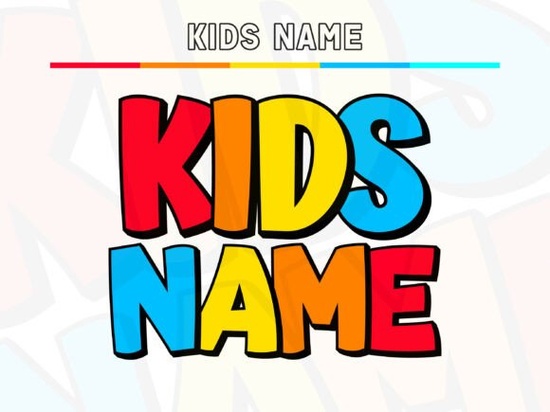
Choosing the right typeface for children's projects can make or break a design. If you've been searching for a font that feels fun, bold, and ready for craft projects, the Kids Name Color Font is worth a close look. It's a chunky, rounded color display alphabet built with thick outlines, offset shadows, and flat fills that make it easy to recolor. Whether you're designing birthday banners, classroom posters, or print-on-demand stickers, this font gives names and headlines instant personality.
What Makes This Font Different From Other Kid-Friendly Typefaces?
Most playful fonts rely on wobbly lines or cartoonish shapes. The Kids Name Font takes a different approach. Each glyph has a generous x-height, deep counters, and a bold black outline paired with an offset shadow. The result looks like a sticker or comic bubble bright, clean, and high-impact without being cluttered.
A few details that matter for real-world use:
- Light baseline bounce letters don't sit in a rigid line, which gives names a lively, hand-placed rhythm.
- Playful width swing some letters are wider than others, keeping the look organic instead of mechanical.
- Flat color fills no gradients or textures, so recoloring in any design software takes seconds.
- Layered and single-color options use the full color version for digital work or switch to the base layer only for one-color vinyl cuts.
Can I Use It With Cricut or Silhouette Machines?
Yes. The clean contours make it Cricut-friendly for decals, iron-on transfers, and sticker sheets. When you drop the base layer into Design Space, the paths are smooth enough that you won't spend extra time fixing nodes or simplifying curves. This is a real time-saver if you run a small shop and need to produce orders quickly.
For best results, keep these tips in mind:
- Use the base layer only for single-color vinyl or heat-transfer projects.
- Weld overlapping letters before cutting to avoid extra cuts on shared edges.
- Test cut a small sample first the chunky letterforms hold up well at most sizes, but tiny text under 1 inch can lose detail.
Where Does This Font Work Best?
The voice of the typeface is bright, upbeat, and kid-safe, so it fits naturally into projects targeting families, schools, and children's brands. Here are some popular uses:
- Birthday invitation sets and party banners
- Classroom door signs and bulletin boards
- Sticker sheets and planner decals
- Print-on-demand t-shirts and onesies
- YouTube thumbnails and social media graphics
- Toy packaging and book covers
- Farmhouse-cute nursery decor
Because the fills are flat, you can match any color palette pastels for baby shower themes, bright primaries for classroom projects, or earthy tones for rustic kids' room signs.
How Does It Compare to Other Colorful Display Fonts?
If you like the candy-colored style of the Kids Name Font, you might also explore the Super Font for a more comic-book energy, or the Daisy Font if you want something with a softer, floral personality. Each of these has its own character, so the best pick depends on your project's tone. You can browse all three and more on Super Font, Daisy Font, and the main product page for the Kids Name Font at Creative Fabrica.
What File Formats and Licenses Are Included?
The font ships in color and layered styles, compatible with most modern design applications that support color fonts. A standard license covers personal and commercial use for physical and digital products. If you plan to sell printed items like stickers, shirts, or invitations, check the license details on the product page to confirm your use case is covered.
Quick Checklist Before You Buy
- Confirm your software supports color fonts (Adobe Illustrator, Photoshop, Affinity Designer, and Cricut Design Space all do).
- Decide if you need the full color version, the single-color base layer, or both.
- Think about your project sizes this font shines at medium to large display sizes.
- Review the license terms for your specific selling platform.
- Download a test sample if available to check compatibility on your setup.
Next step: Head to the product page, preview the full glyph set, and download a test file. If the style fits your next project, grab it and start creating happy designs tend to sell themselves. Download Now
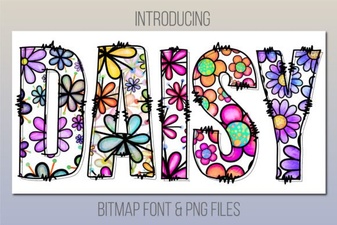 Daisy Font: a Fresh and Playful Design for Creative Projects
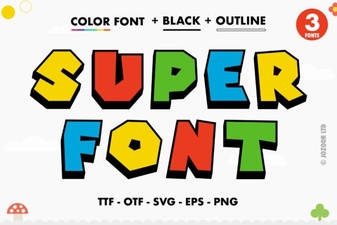 Super Font: Bold Typography for Creative Projects
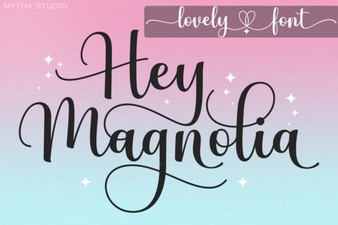 Discover Hey Magnolia Font for Beautiful Script Designs
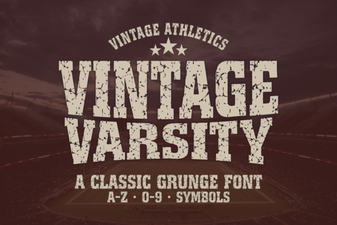 Best Vintage Varsity Fonts for Classic Design Projects
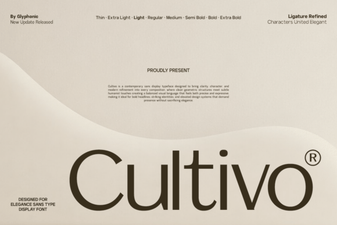 Cultivo Font - Free Sans Serif Display Typeface Download
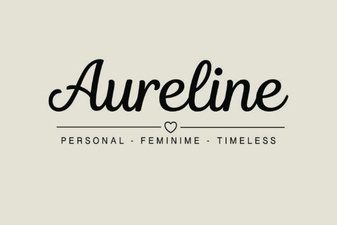 Aureline Font: Elegant Typography for Creative Design Projects